Core Architecture
Three Pillars of SHASHS
Built on cryptographic primitives that make email authentication verifiable, immutable, and impossible to forge.
Hash-Based Auth
Every outbound email carries an HMAC token derived from the message and a secret key only the sender holds. Because the signature is keyed, no third party can recompute or forge it — the token proves the message genuinely came from the claimed sender and was not altered in transit.
HASH-BASEDStamp & Scan
A Chrome extension integrates directly with the Gmail web client. On the recipient side it scans the message, extracts the embedded HMAC token, and re-verifies it against the sender key in place — flagging authentic mail and exposing spoofed senders without leaving the inbox.
STAMP / SCANBody Message Injection
The HMAC token is injected into each message body and is unique per message — bound to that specific content and dedicated to the individual sender. A token cannot be lifted and replayed on another email, so intercepted signatures are worthless to an attacker.
PER-MESSAGEProtocol Lifecycle
How It Works?
Secure Transmission
A trusted employee sends an email to your channel. The message travels through standard SMTP but carries a unique hash signature bound to the sender identity.
> Origin: Trusted SubnetRecipient Access
A user attempts to open the email. Before content renders or links activate, the Read event triggers the security hook in the SHASHS middleware.
> Event: Client_OpenExtension Protocol
The SHASHS Browser Extension activates instantly. It cross-references the sender identity against the immutable Trusted Employee ledger via zero-latency lookup.
> Process: Ledger_Lookup_V2Verification Notice
Immediate visual feedback is injected into the UI. Verified allows access; Unknown flags potential spoofing and quarantines the message for review.
> Result: DOM InjectionAudit Log
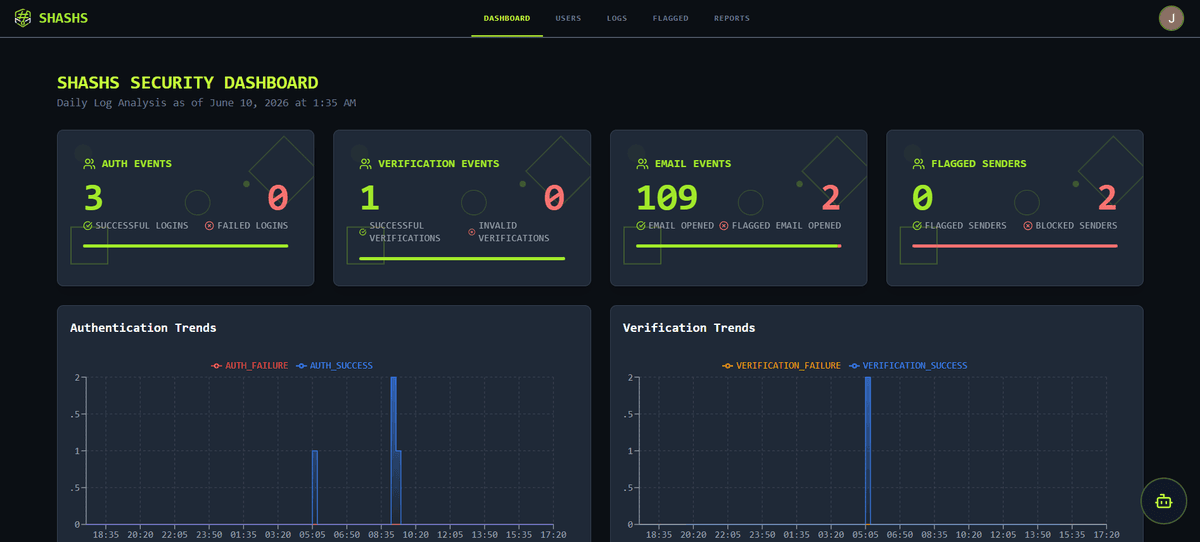
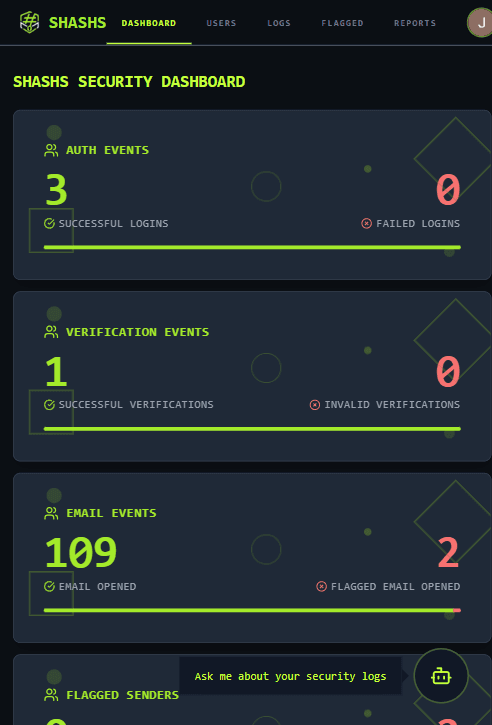
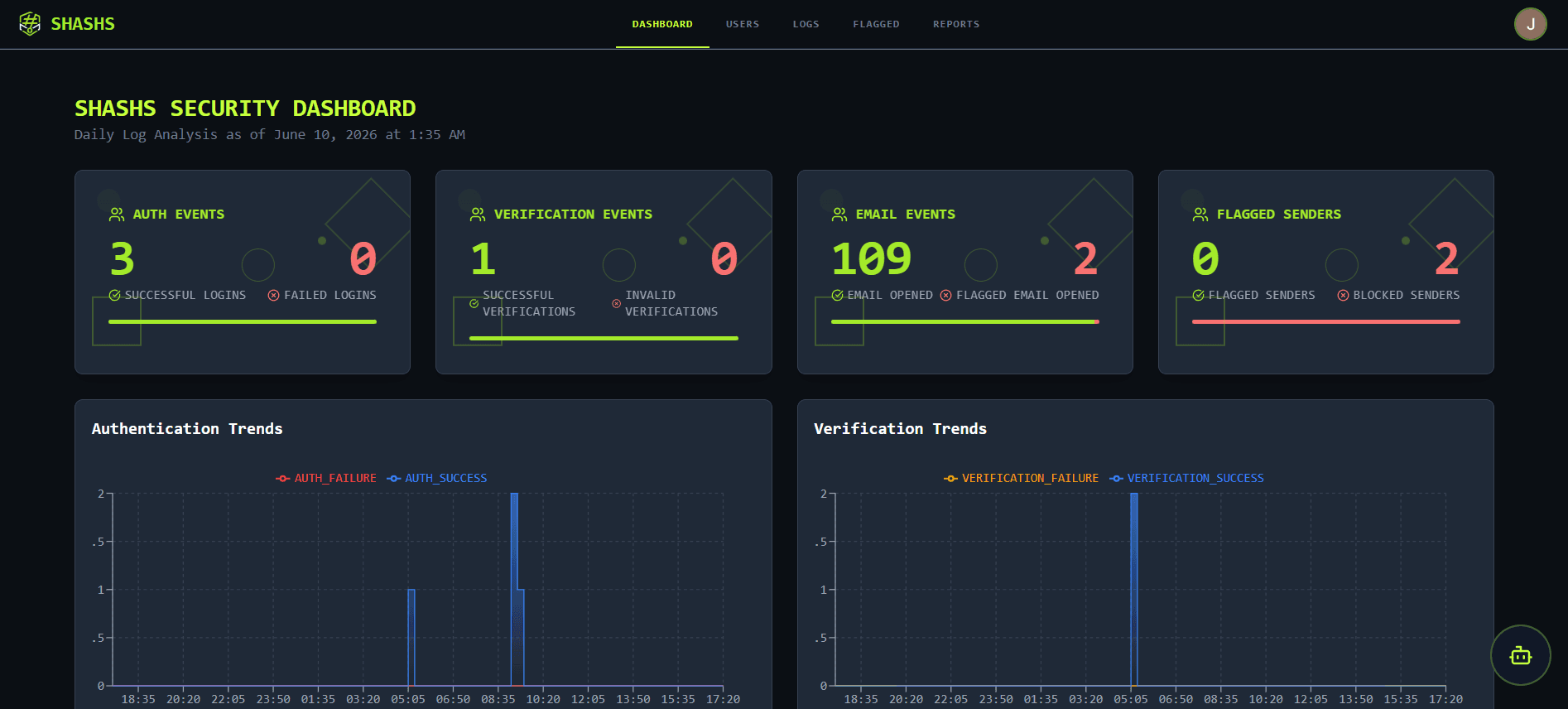
Real-Time Verification Dashboard
Every inbound email is logged, hashed, and verified against the trusted employee ledger. Flagged entries are quarantined instantly.
Works inside
your inbox.
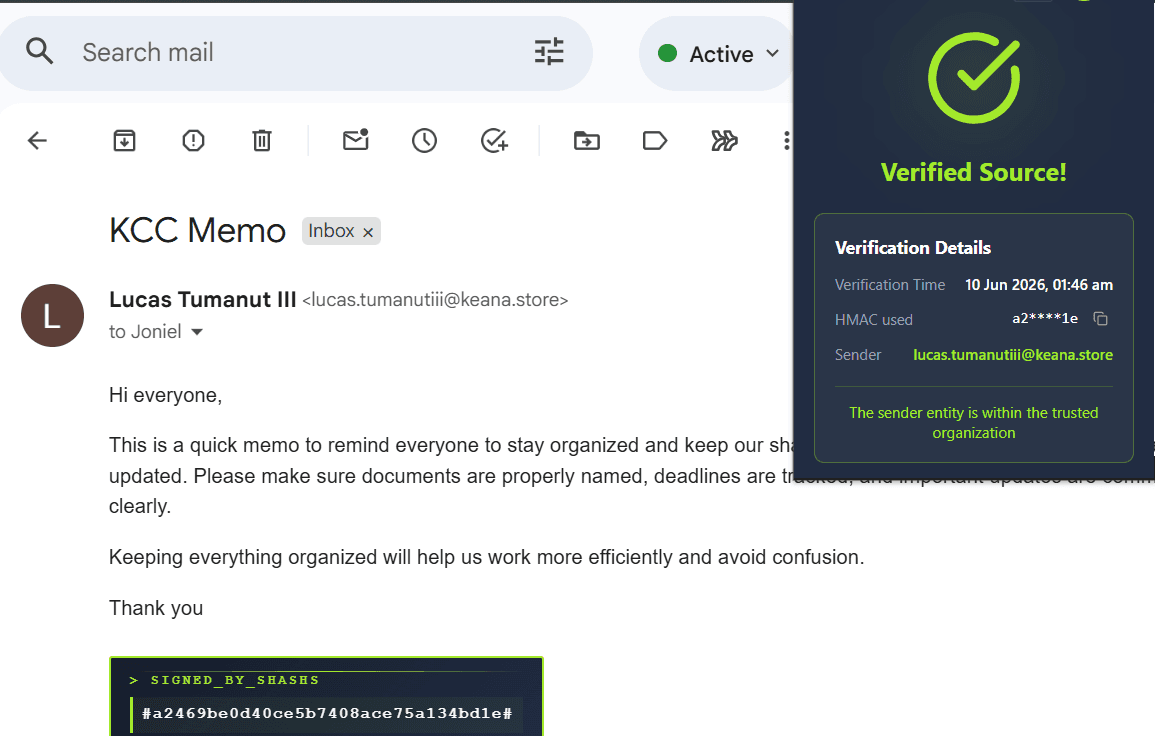
No platform switch required. The SHASHS extension sits quietly in your browser, scanning email headers in real-time. When a trusted sender is detected, visual confirmation appears instantly — right inside your existing inbox UI.
ADD TO CHROMEFAQ
Frequently Asked Questions
SHASHS - Secure Hash Authentication for SHushing email Spoofing Security. A protocol designed to silence email impersonation attacks by cryptographically verifying the individual sender's identity, not just the domain.
Stop assuming.
Start verifying.
Join SMEs securing their communications with SHASHS. Cryptographic proof of sender identity — not hope.